

Before sending your fountain or pump in for repair, try these quick troubleshooting steps.
Many common issues can be fixed onsite in just a few minutes.
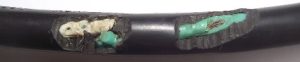
Still need parts to complete your repair?
Order factory-compatible replacement components below.
We ship fast and stock what other brands don’t.
Shop Replacement Parts
-
Pond Fountain Lights
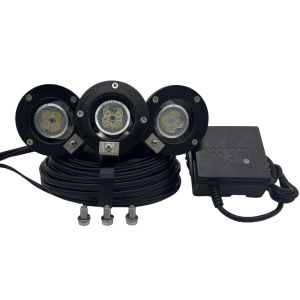
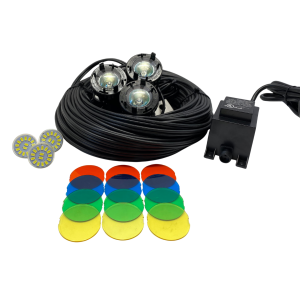
12 Volt THREE LIGHT 4″ LED LIGHT SET with replaceable bulbs
$349.00 Select options -
Fountain Light Sets (12 Volt)
12-Volt Replacement 4″ Fountain Light Set – 3-Light LED Kit w/ 3′ Stub Cord & 3M™ 82A1 Splice
$239.00 Select options -
Pond Fountain Lights
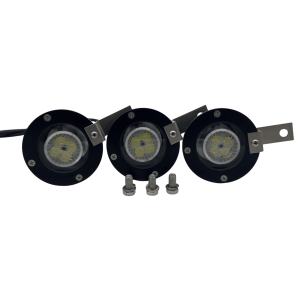
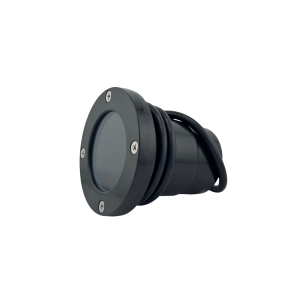
Replacement 4″ Fiber-Composite Underwater Light Fixture (12v)
$31.99 Select options -
Fountain Light Sets (12 Volt)
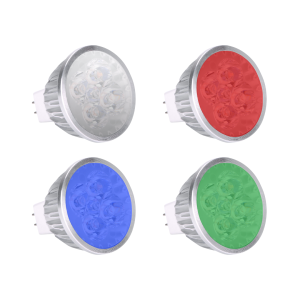
Replacement 4 Watt MR-16 LED Bulbs 12 Volt, 320 Lumens
$24.00 Select options
Don’t see the part you’re looking for?
Browse our full replacement parts catalog below.